Coding Concepts to Kids: A Simple Guide for Parents
Coding helps children turn ideas into instructions that a computer, robot, or app can follow. A recipe gives a useful comparison: each step must appear in a workable order, and a missing instruction can change the result. That same pattern appears in computer programming, from a game character moving across a screen to a website displaying a heading.
Coding education gives children a practical way to build logical reasoning, creativity, computational thinking, and problem-solving skills. Children can begin with movement games, picture puzzles, or block-based coding before they read lines of text. The goal is steady exploration, with each activity matched to the child’s age, interests, and ability to explain what the code should do.
Coding for kids also supports digital literacy. When children learn what is coding and how programming works, they become more thoughtful users of software and technology. A small animation or game gives them a visible result, while each mistake creates an opportunity to test an idea and improve it.
What Are the Core Ideas Behind Code?
The core coding concepts are instructions, repetition, stored information, choices, reusable actions, and careful testing. These basic coding concepts give children a foundation for programming concepts and coding basics for kids while strengthening computational thinking and logical thinking.
How Do Algorithms and Sequencing Give Clear Instructions?
An algorithm is a set of steps for completing a task, while sequencing places those steps in the correct order. A morning routine provides a familiar example: putting on shoes before leaving the house produces a different result from putting them on after arriving at school.
A child can practise by writing or arranging picture cards for making a sandwich, washing hands, or guiding a toy through a maze. The child then checks whether every instruction is present and whether the order works. Flowcharts can represent the same process with boxes and arrows, helping children see how one action leads to the next.
What Do Loops, Patterns, and Variables Do?
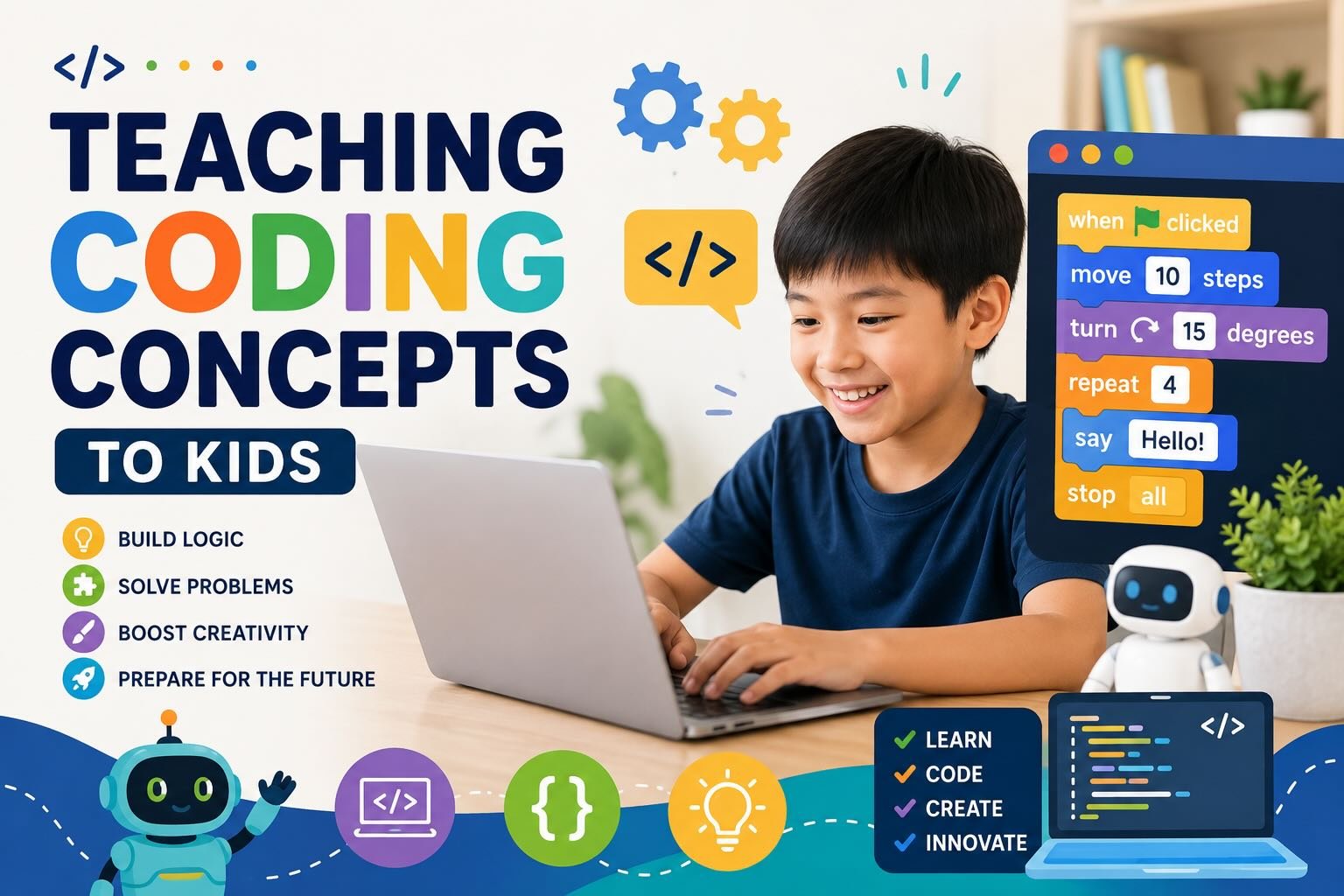
A loop repeats an instruction, while a pattern helps children notice which actions repeat. A dance routine that includes four identical steps demonstrates a loop without a screen. In Scratch or Blockly, a repeat block lets a character perform the same movement with fewer instructions.
A variable stores information that can change, such as a player’s score, a character’s name, or the number of lives remaining. A paper game can introduce the idea: a child writes a score on a card and updates it after each round. The changing value shows why programs need a place to keep information.
How Do Conditionals and Branching Help Programs Make Choices?
Conditionals let a program respond to a situation through conditional statements such as “if the answer is correct, add a point.” Branching creates different paths, allowing the program to choose an action based on a condition.
A board game offers an easy activity. A child writes cards that say, “If the player lands on blue, move two spaces,” or “If the timer rings, switch players.” In block coding, the same rule becomes an if-then block. Children learn that a computer follows stated conditions and does not infer missing instructions.
Why Do Logic, Syntax, Functions, and Methods Matter?
Logic connects instructions so that the intended result follows from the rules. Syntax is the set of writing rules a programming language expects, much like spelling and punctuation help people read a sentence. A misplaced block or symbol can prevent code from running.
Functions and methods package a group of instructions under a reusable name. A “drawStar” function could contain every step needed to create a star, allowing a child to use that action several times. Children can practise by defining a repeated movement in Scratch, then calling it whenever a character needs the same action.
How Does Debugging Build Problem-Solving Skills?
Debugging means finding, testing, and fixing an error in code. It develops critical thinking because children must observe the result, identify the likely cause, and try a focused change.
An educator can ask a child to give directions through a simple obstacle course, then deliberately place one incorrect instruction in the sequence. The child tests the directions, locates the problem, and revises the step. The same process applies to code: children should run small parts, describe what happened, and change one instruction at a time.
How Can Kids Practice Coding Concepts?
Children practise coding best when an activity produces something they care about, such as an animated story, a game, a robot routine, or a simple webpage. Block-based coding gives beginners a visual entry point, while text-based coding becomes useful when a child is ready to type, read errors, and manage more detailed instructions.
Which Block-Based Coding Tools Are Best for Young Coders?
Scratch is a strong starting point for children who enjoy animation, interactive stories, or simple games. Its coloured blocks make sequencing, loops, variables, conditionals, and events visible without requiring perfect spelling. Blockly uses a similar visual programming approach, and Code.org offers age-organised activities, including the Hour of Code.
Tynker provides guided coding lessons and projects across different ages. Lightbot introduces programming concepts through robot puzzles, while Coding Safari suits younger children who benefit from movement and image-based instructions. Educators can select one platform and allow repeated practice, since changing tools too frequently can distract from the coding ideas.
When Should Children Move to Text-Based Coding?
Children can move to text-based coding when they can explain their block programs, read short instructions confidently, and fix small errors with limited support. Interest in creating more detailed projects also provides a useful signal.
Python for kids offers a readable first text-based language for children who want to explore games, robotics, or artificial intelligence. JavaScript supports browser-based animation and interaction, while HTML and CSS introduce web development. Java, Lua, C programming, C++, and Swift suit later projects with specific goals. A short Python program that changes a character’s message gives children a manageable bridge from blocks to typed code.
What Projects Make Learning Feel Creative and Useful?
Projects work best when children choose the theme and apply one or two new coding concepts. Suitable coding projects for kids include a quiz, an animated story, a maze, a digital greeting card, or a simple game with a score variable.
A child interested in music might create an interactive rhythm project. Another might design a recycling game or a webpage about an animal. These activities connect coding with creativity and innovation while showing how software developers use instructions to build useful tools. App development, game development, and robotics provide later directions, while Minecraft coding can motivate children who already enjoy building digital worlds.
Which Coding Games and Screen-Free Activities Reinforce Skills?
Coding games turn practice into a sequence of manageable challenges. CodeCombat introduces text-based coding through game play, while Khan Academy offers JavaScript drawing and animation lessons. Codecademy provides structured courses for older learners who are ready to explore programming languages.
Screen-free coding activities help children practise before opening a device. A parent can place arrows on the floor and ask a child to guide a toy to a target. Another activity uses recipe cards, coloured cups, or paper grids to teach sequencing, loops, branching, and debugging. These unplugged coding activities fit well into short classroom or home sessions and require little hardware.
How Can Parents and Teachers Support Steady Progress?
Adults support progress by setting a clear project goal, asking children to predict the result, and allowing time for testing. A child who encounters an error benefits from prompts such as “Which step ran first?” or “What changed after that block?” Those questions encourage problem-solving without taking control of the task.
Short coding lessons two or three times a week provide room for practice and reflection. Coding clubs, Code.org, Tynker, Khan Academy, CodeCombat, and Vedantu offer different kinds of coding resources, so adults can check age suitability, reading demands, cost, and privacy before choosing. Children should also explain their finished project in their own words, including one successful choice and one bug they fixed.